Your next prayer, at a glance
See the next prayer, remaining time and the day’s six times. Choose a city and calculation settings that fit your location.

HuzurBul
Daily worship guide · Turkish interface
A rhythm for your day
Begin with the next prayer. Find a dua, check the qibla, and take a small step in learning your faith.
HuzurBul brings the practical parts of daily worship together, with worldwide prayer calculations and a calm, Turkish-first experience.
iPhone · iOS 15+ · No account required
Already using HuzurBul? Get support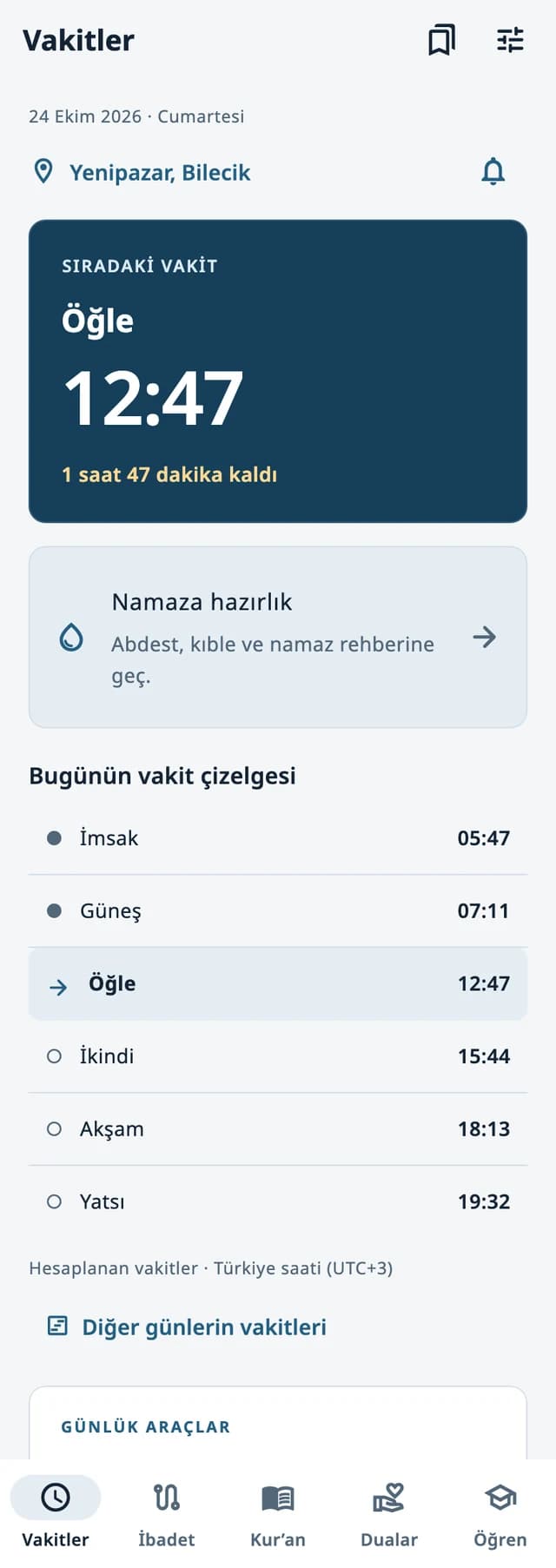
Prayer at the centre
A daily worship companion built around what comes next: the next prayer, a moment of remembrance, or a question you want to understand.
See the next prayer, remaining time and the day’s six times. Choose a city and calculation settings that fit your location.
Enable prayer or religious-day notifications when you want them. On supported iOS 26+ iPhones, separately choose a system prayer alarm.
Find a sourced dua, use the dhikr counter, or check the qibla direction. Everyday tools sit alongside your prayer schedule.
Explore 10 introductory topics and 40 short lessons, with references and clearly labelled Hanafi practice details.
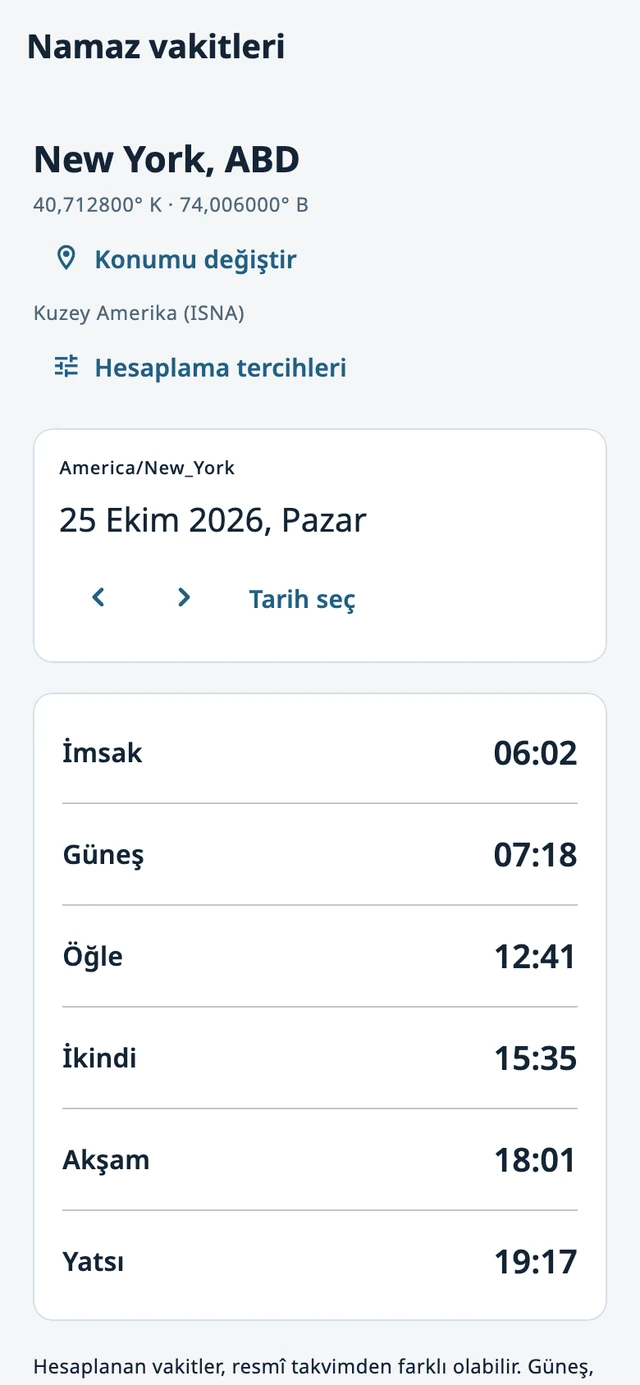
Prayer times are calculated on your device for the selected location and its time zone. Keep the Turkey profile or choose from worldwide calculation profiles, with separate Asr and high-latitude settings.
Use the offline Turkish city list, enter coordinates and a time zone, or search world cities online. Location access is optional.
Check the calculation profile and compare it with the guidance used by your local mosque or community.
Turn on the prayer notifications you want. Supported iOS 26+ iPhones also offer a separately authorized system alarm and a 60-second test.
Times are calculated estimates, not a live official timetable. System alarms use the device’s alarm sound; an adhan recording is not included. Up to 30 upcoming prayer alarms can be scheduled at once; reopen the app before the displayed coverage ends. Notification and alarm delivery depend on permissions and device settings.
Prayer times, permissions and troubleshootingEveryday worship tools
Move from the day’s schedule to the tools that support your practice, without leaving HuzurBul.
Check the qibla bearing from your location. Follow the compass guidance and allow for nearby magnetic interference.
Location and heading information depend on your device and the permissions you choose.
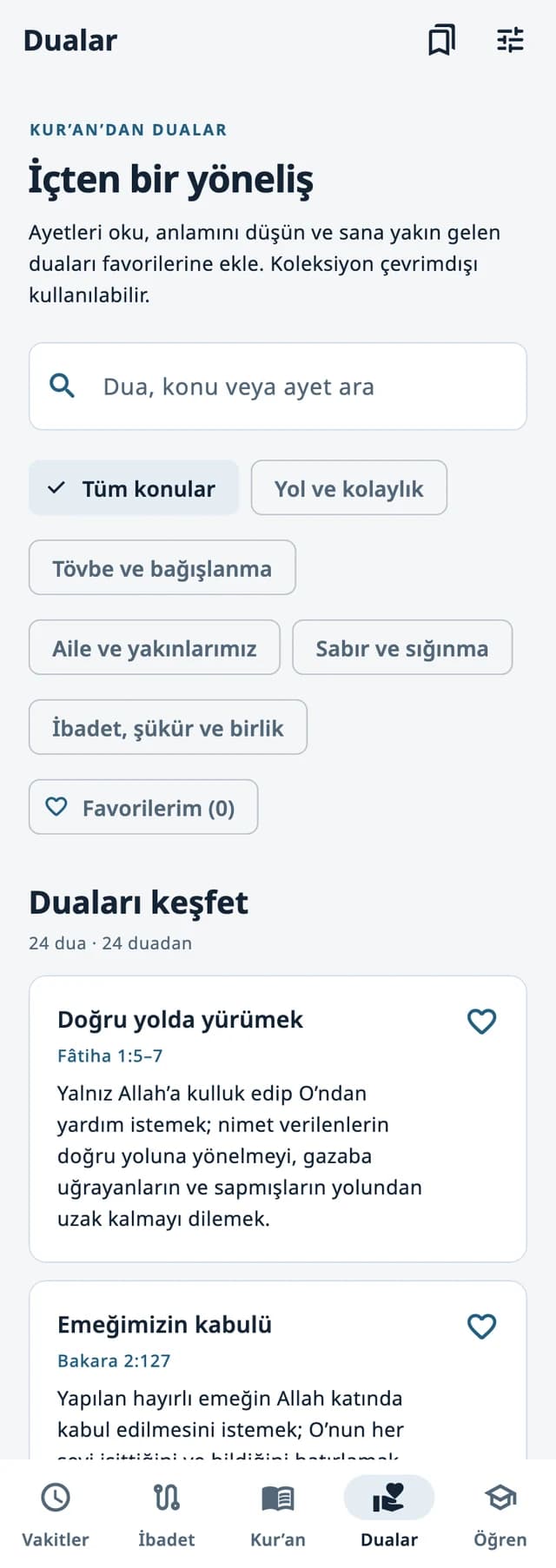
Arabic text, Turkish pronunciation, a short meaning and source references, together in one collection.
Use the dhikr counter for a focused moment of remembrance, with your progress kept on your device.
A simple tool you can return to alongside your daily prayer schedule.
Search nearby mosques with Apple Maps, check the results and open directions in your maps app. Worldwide searches include multiple language terms.
Choose when to share your current location. Mosque search is separate from your saved prayer-time location, so looking nearby does not change your daily schedule.
Internet access is required. Results depend on Apple Maps coverage and may be incomplete; check the destination details before travelling.
Help with nearby mosques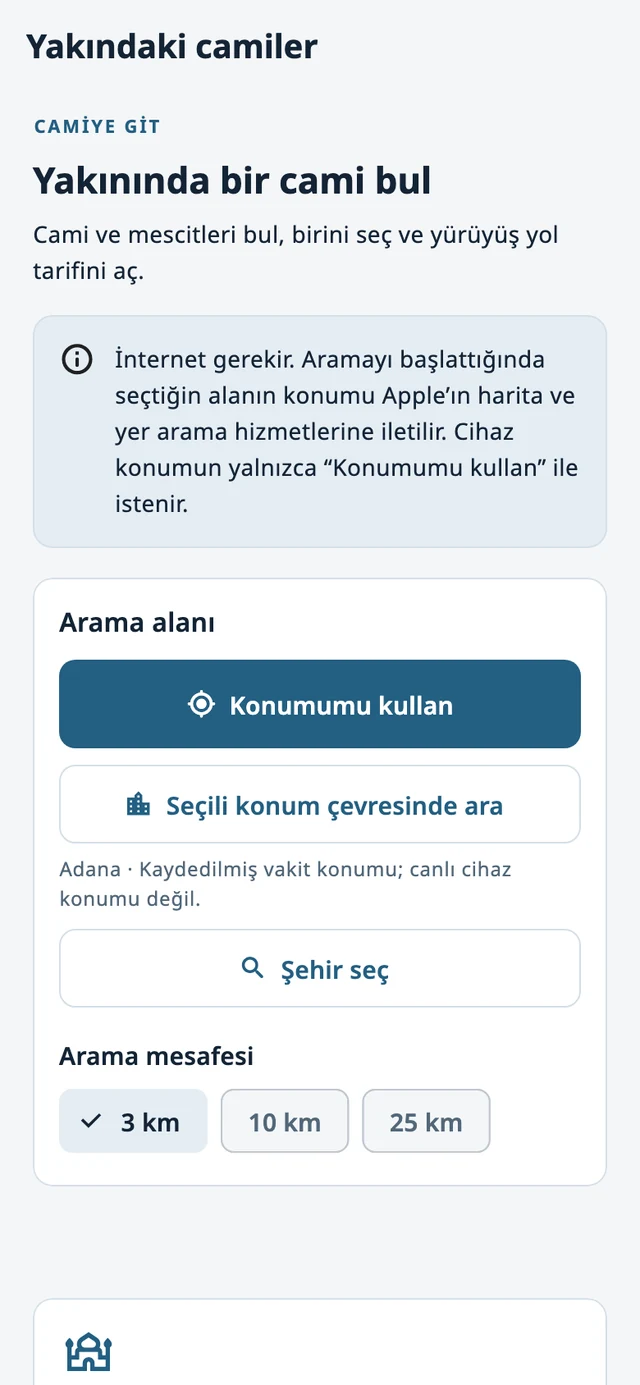
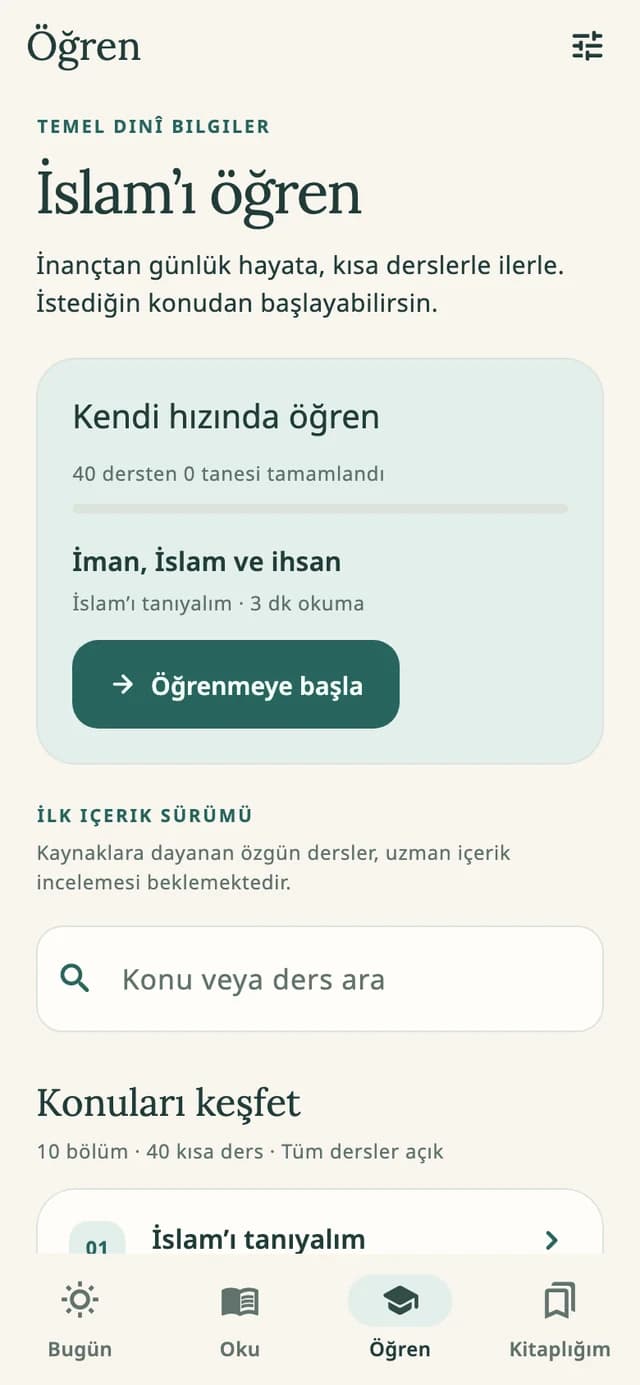
Explore 40 original introductory lessons across 10 topics, with source links and optional review questions. All lessons are available from the start.
The lessons offer a general introduction. Detailed worship instructions that follow the Hanafi school are labelled. They support learning and do not replace a qualified religious opinion for your circumstances.
Browse religious dates for 2026–2030, including Ramadan, Eid, holy nights and other special days. Filter by year or type, open the published source, and optionally set reminders.
The included calendar follows Diyanet’s published dates. Religious dates can differ between countries and communities.
Add a small widget for the next prayer and remaining time, or a medium widget for the day’s six times and a religious-day note when applicable.
Widgets require iOS 16 or later and use your saved prayer settings. Home Screen refresh timing is managed by iOS.
Read, understand, share
Read the Quran’s Arabic text alongside a Turkish translation attributed to Elmalılı Hamdi Yazır. The Arabic text is credited to Tanzil, and the app keeps text references and source information available.
Create a share image with HuzurBul’s own architectural backgrounds, adjust the layout and keep the verse reference visible. Arabic text exports include the applicable Tanzil notice.
A translation conveys meaning in another language; it is distinct from the Arabic Quran. The original introductory lessons are presented separately from scripture and its translation.
Text sources, credits and learning scope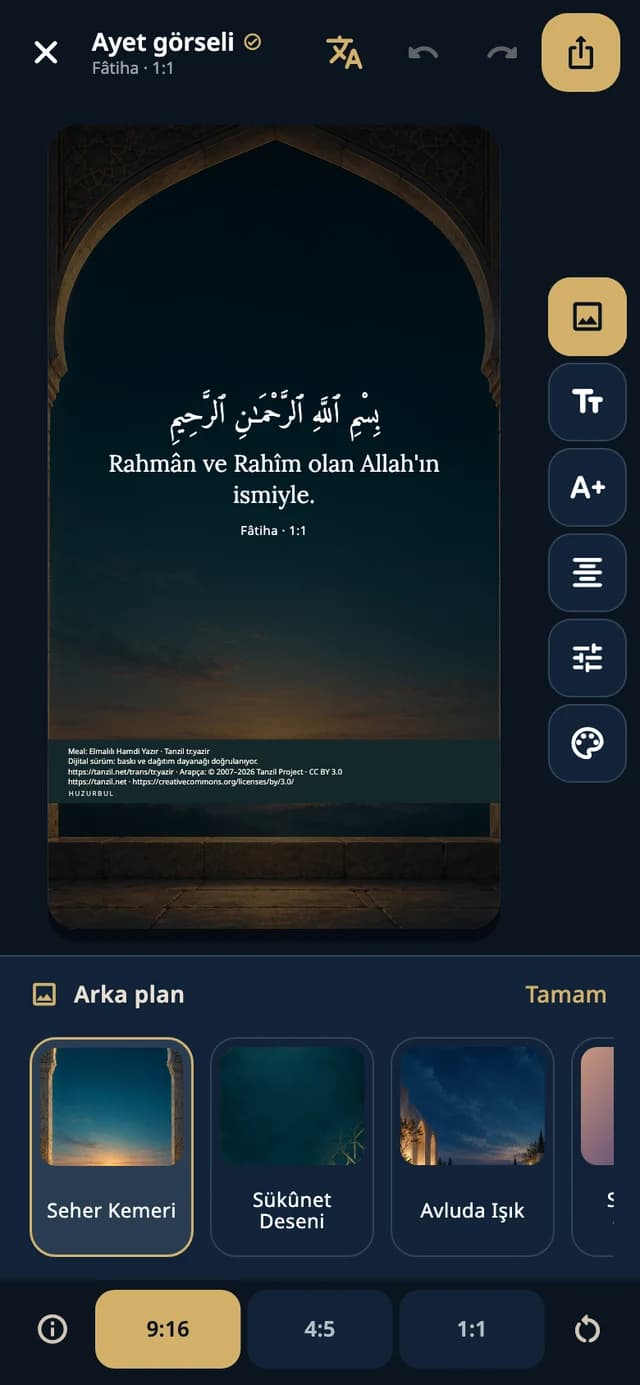
There is no app account, advertising or in-app purchase in the current build. Core prayer calculations and bundled reading work offline. Location, notifications and system alarms are optional permissions; online place searches and external links use a connection.
How HuzurBul handles your informationFind setup help, understand a calculation setting, or contact the developer about something that needs attention.
HuzurBul support